Multi-Round Editing with Seedream 5.5: Change One Thing at a Time
How to edit a photo round by round with Seedream 5.5 — one change per prompt, the rest left alone — with two real edit sequences and the exact prompts we used.
 SeedreamV55
ByteDance's headline claim for Seedream 5.5 is stability: unedited parts of an image stay the same while you keep changing one part, across up to 100 rounds of editing, according to ByteDance Seed. Here is what that looks like in practice, with our own edits.
Sequence 1: a product shot
We started with a text-to-image product photo of a titanium smartwatch on a canyon rock, then made two edits, each on the previous result.
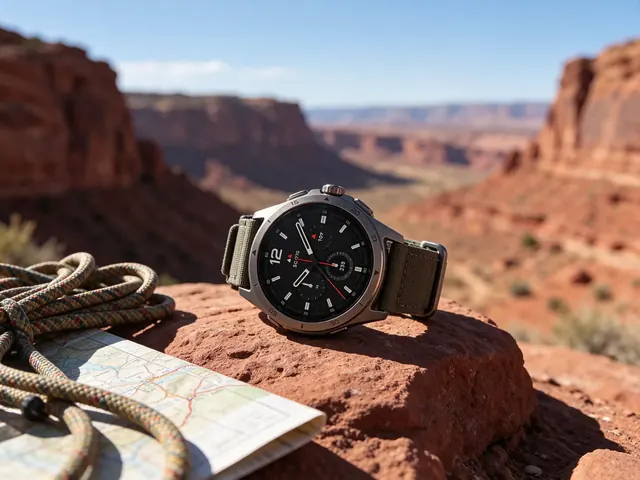
Round 1:
Change only the watch case to polished silver and the dial to deep blue. Keep everything else exactly the same.
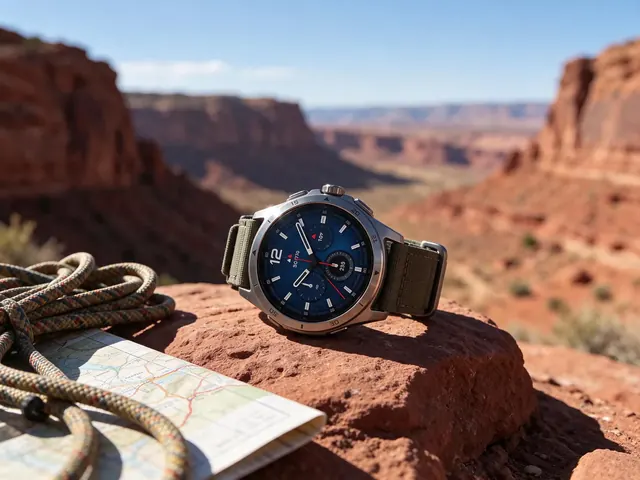
Round 2:
Change only the watch strap to light grey woven fabric. Keep everything else exactly the same.
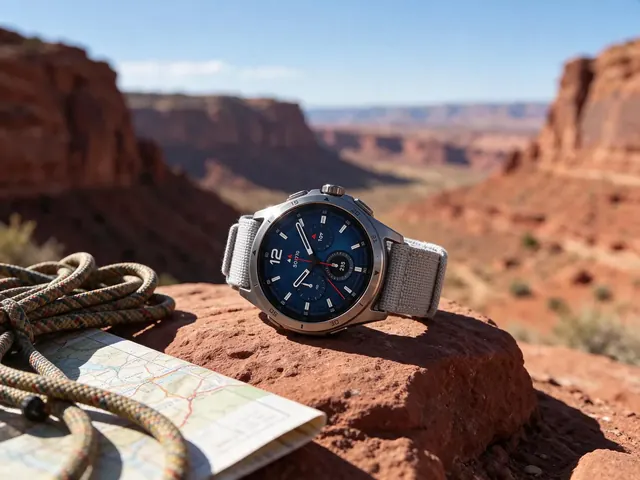
The rope, the map, the rock and the light stay put; only the part named in each prompt changes.
Sequence 2: a street look
Three rounds on a full-body street-style photo:
Make the jacket black. Keep everything else exactly the same.Replace the duffel bag with a cream canvas tote bag. Keep everything else exactly the same.Remove the sunglasses. Keep everything else exactly the same.
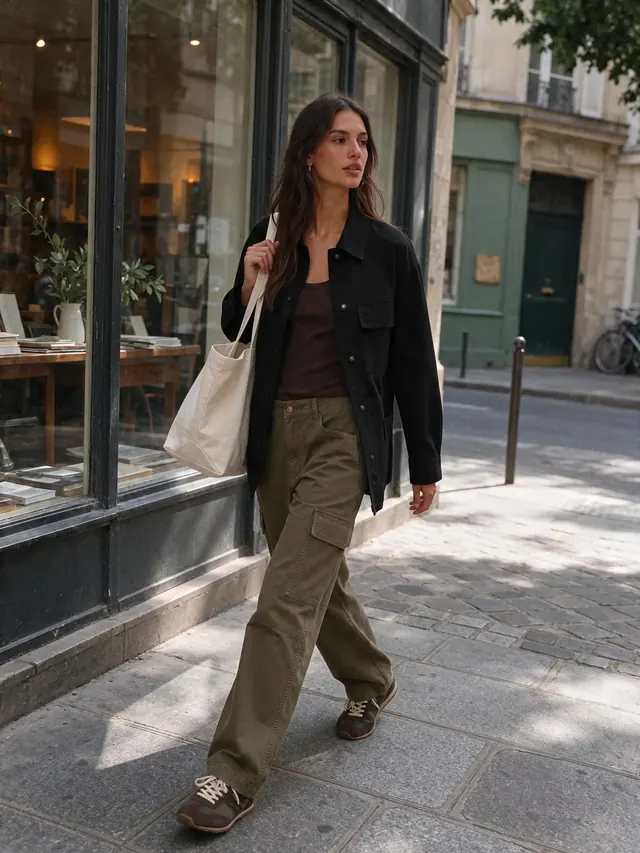
Open the round-by-round prompts in the library.
How to do it on SeedreamV55
- Generate an image, or add your own photo under the prompt.
- Under the result, click Edit this image. It becomes the reference for the next run.
- Write one change, plus "keep everything else the same". Generate.
- Repeat from the new result.
Each round is a normal run plus 8 credits for the reference image — 28 credits at 1.5K.
Rules that keep edits clean
- One change per round. Two changes in one prompt is where drift starts.
- Name the part precisely. "the watch strap", not "the band" if the watch also has a bezel.
- Always say what stays.
Keep everything else exactly the sameis cheap insurance. - Don't re-describe the photo. The model can see it.
- Restart from an earlier round if something drifts — every round is saved in My creations.
Same idea, new outfit
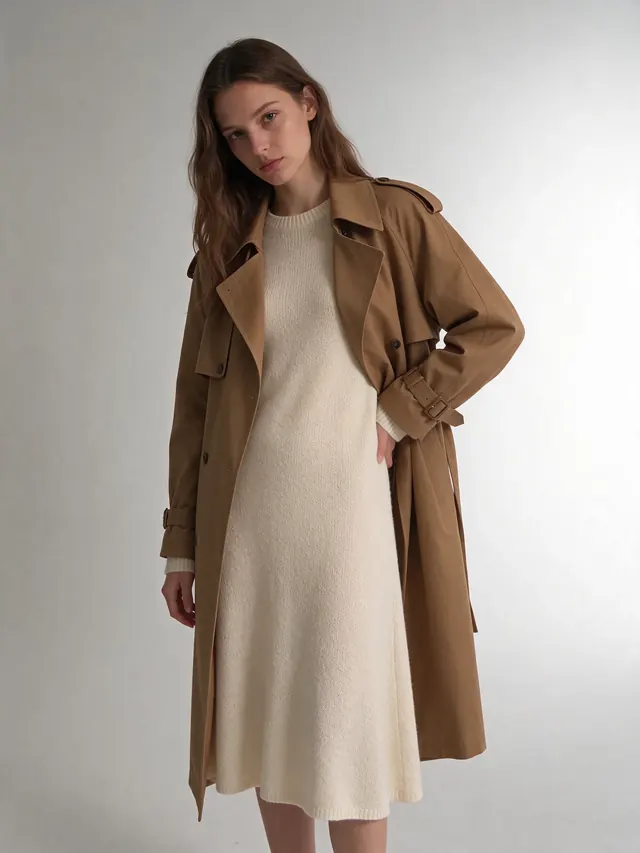
Editing also works when the reference is a person you want to keep consistent. From one studio photo we asked for three outfits, each from the same original:
Dress the same woman in a cream knit midi dress with a camel trench coat. Same face, same pose, same backdrop and lighting.
More in the prompt library's editing examples, or try it in the image to image editor.